
Category: Excel
-
Excel Find and Replace with Wildcards: A quick way to clean data
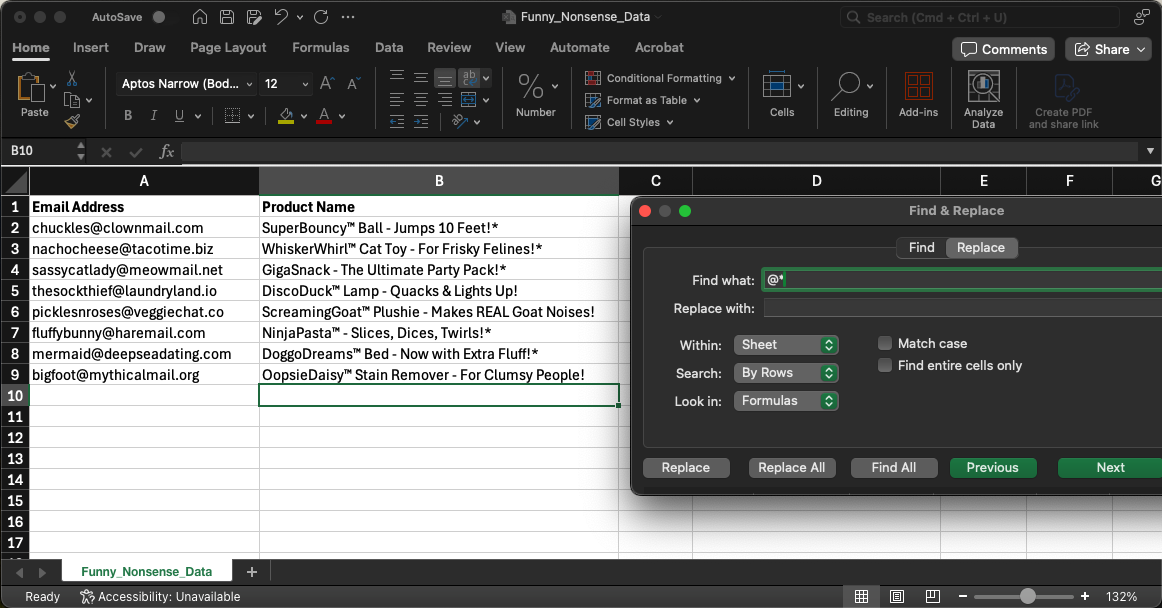
Dealing with messy data is one of the biggest headaches for anyone working with spreadsheets. But what if I told you theres a simple trick that can make cleaning data way easier and faster? Yep, it’s all about using the power of Excel find and replace wildcard features, specifically the asterisk wildcard (*). This method can save… Read more
-
Master the Art of Merging Cells in Excel: A Simple Tip
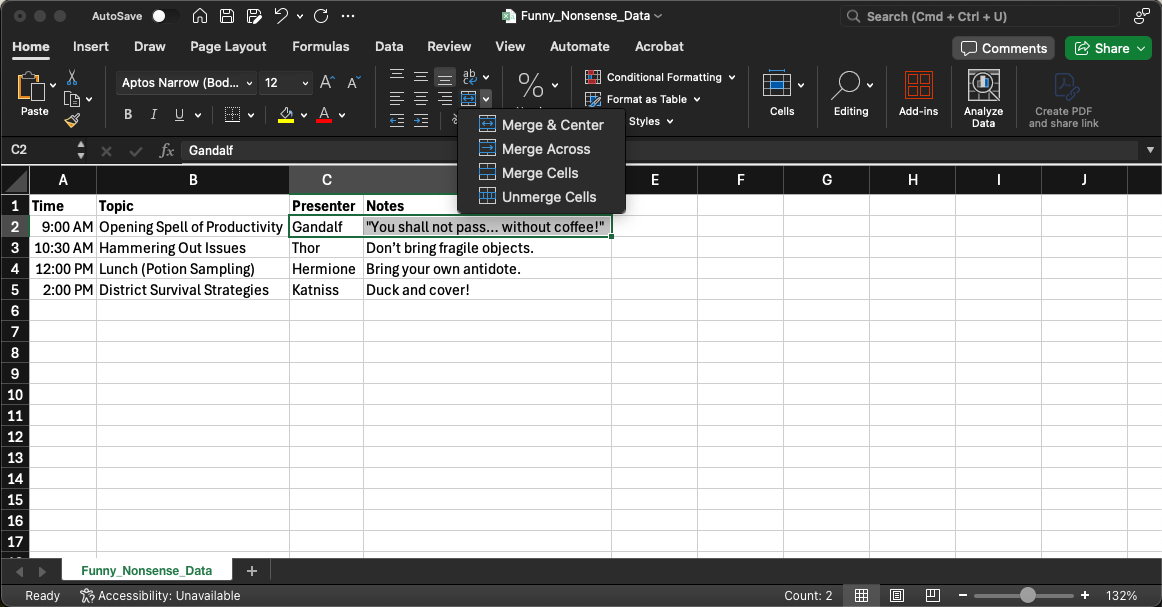
If you’ve ever needed to make your Excel sheets look cleaner or better organized, merging cells can be a game-changer. Whether youre creating headers for a report, designing forms, or simply making data easier to read, merging cells can help. In this post, well walk you through everything you need to know about merging cells… Read more
-
How to Add Notes in Excel to Keep Your Data Organized and Clear
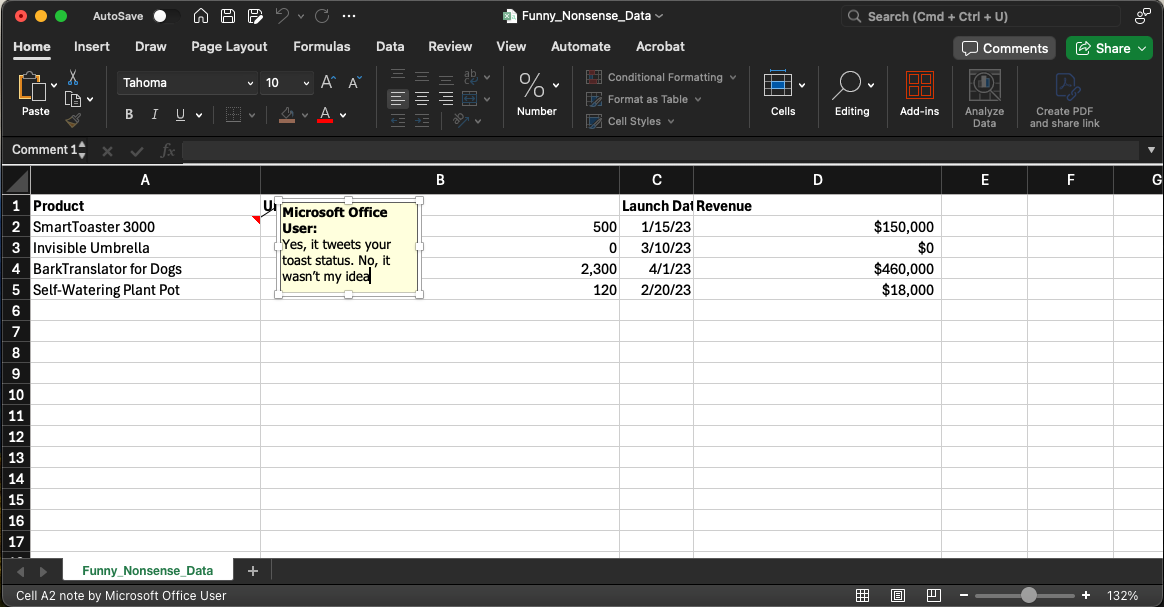
Ever looked at an old Excel spreadsheet and thought, “What was I thinking when I wrote that formula?” Or maybe you’ve inherited a file from a colleague and struggled to make sense of their data inputs. Trust me, we’ve all been there! Fortunately, Excel has a handy feature that allows you to add notes in… Read more
-
How to Hide a Cell in Excel Using Custom Formatting
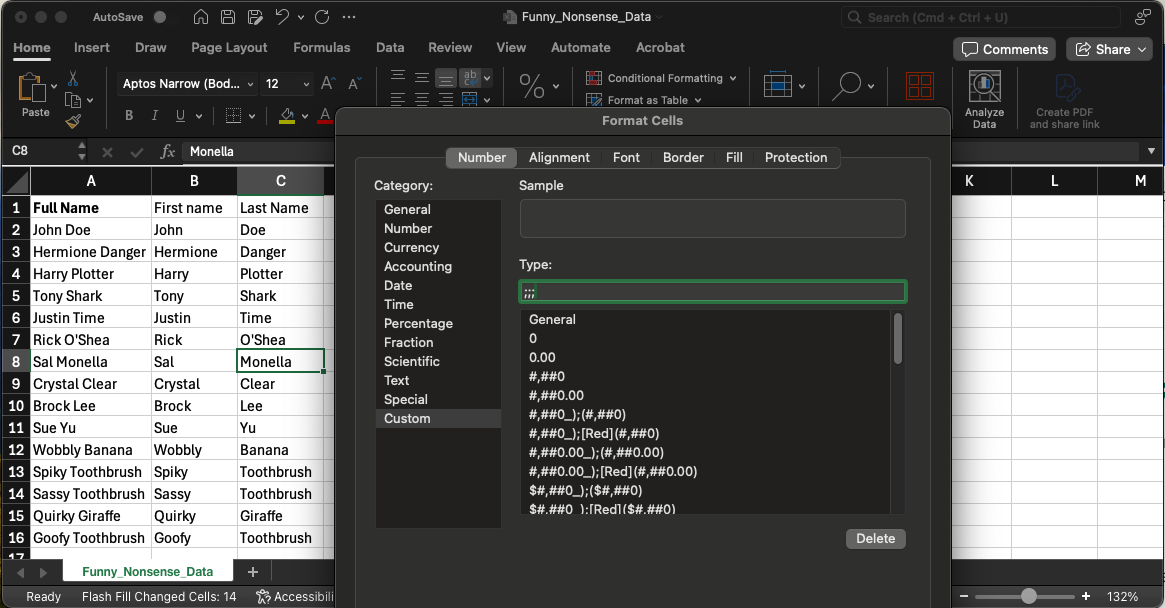
How to Make Excel Data Disappear Without Deleting It: The ;;; Custom Format Trick Ever wish you could hide a cells data in Excel without actually deleting the content? Maybe you have sensitive information you want to keep hidden, or perhaps you just need to declutter your spreadsheet. Well, youre in luck! Theres a simple and effective… Read more